
Resolve 9 – Copy a look with Auto Keyframes
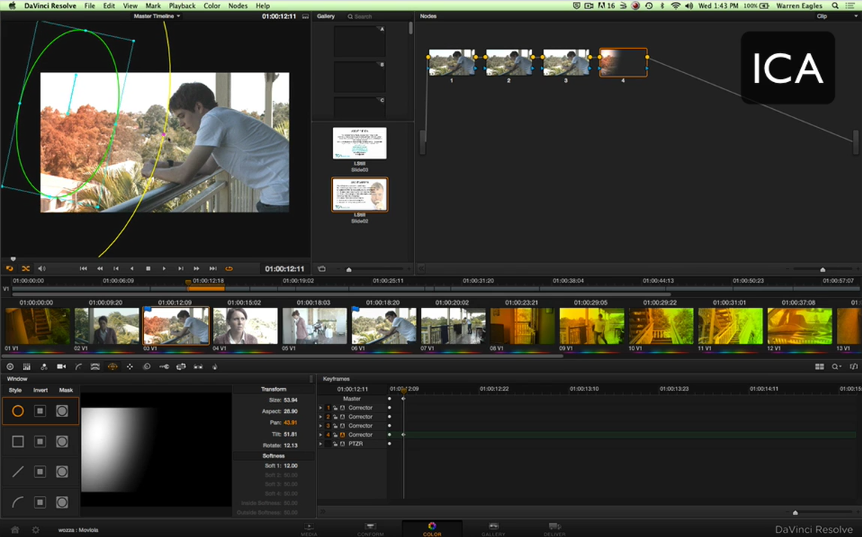
[vc_row][vc_column][vc_column_text]How to copy a grade with two keyframed shapes from one clip to another using the Auto Keyframer in daVinci Resolve 9.[/vc_column_text][/vc_column][/vc_row][vc_row][vc_column][ultimate_spacer height="30"][vc_video link="https://vimeo.com/66703101" align="right"][/vc_column][/vc_row]