
Resolve Tip: Create a Resolve Archive after your session
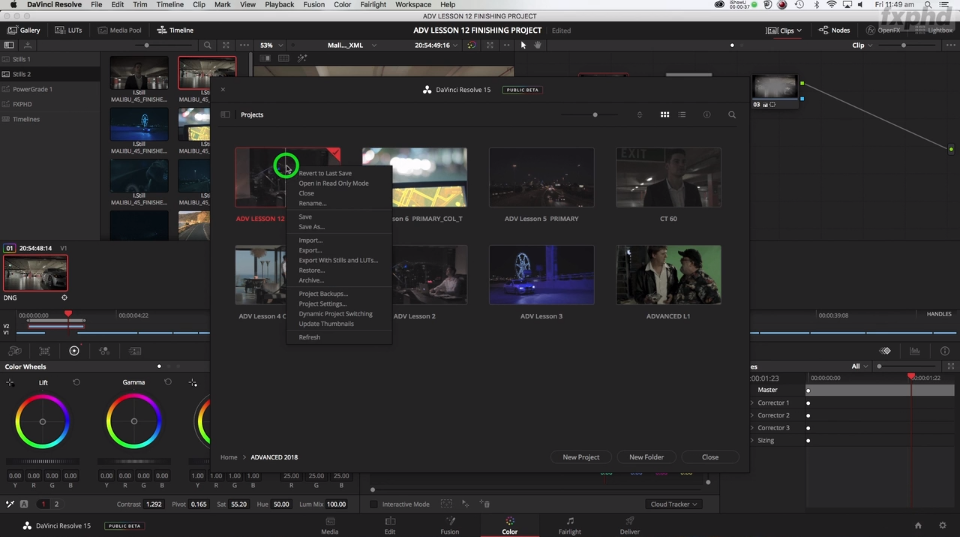
[vc_row][vc_column][vc_column_text]Warren warreneagles.com.au shows how to make an .dra (DaVinci Resolve Archive) file in Resolve. This will save all media, assets and projects files associated with the session. Great when a clients has taken their HDD away and you need to make changes to the original job.This tip was recorded during the filming of Resolve 15 FXPHD training videos, full details at fxphd.com/resolve15/[/vc_column_text][/vc_column][/vc_row][vc_row][vc_column][ultimate_spacer height="30"][vc_video link="https://vimeo.com/287351827" align="center"][/vc_column][/vc_row]