
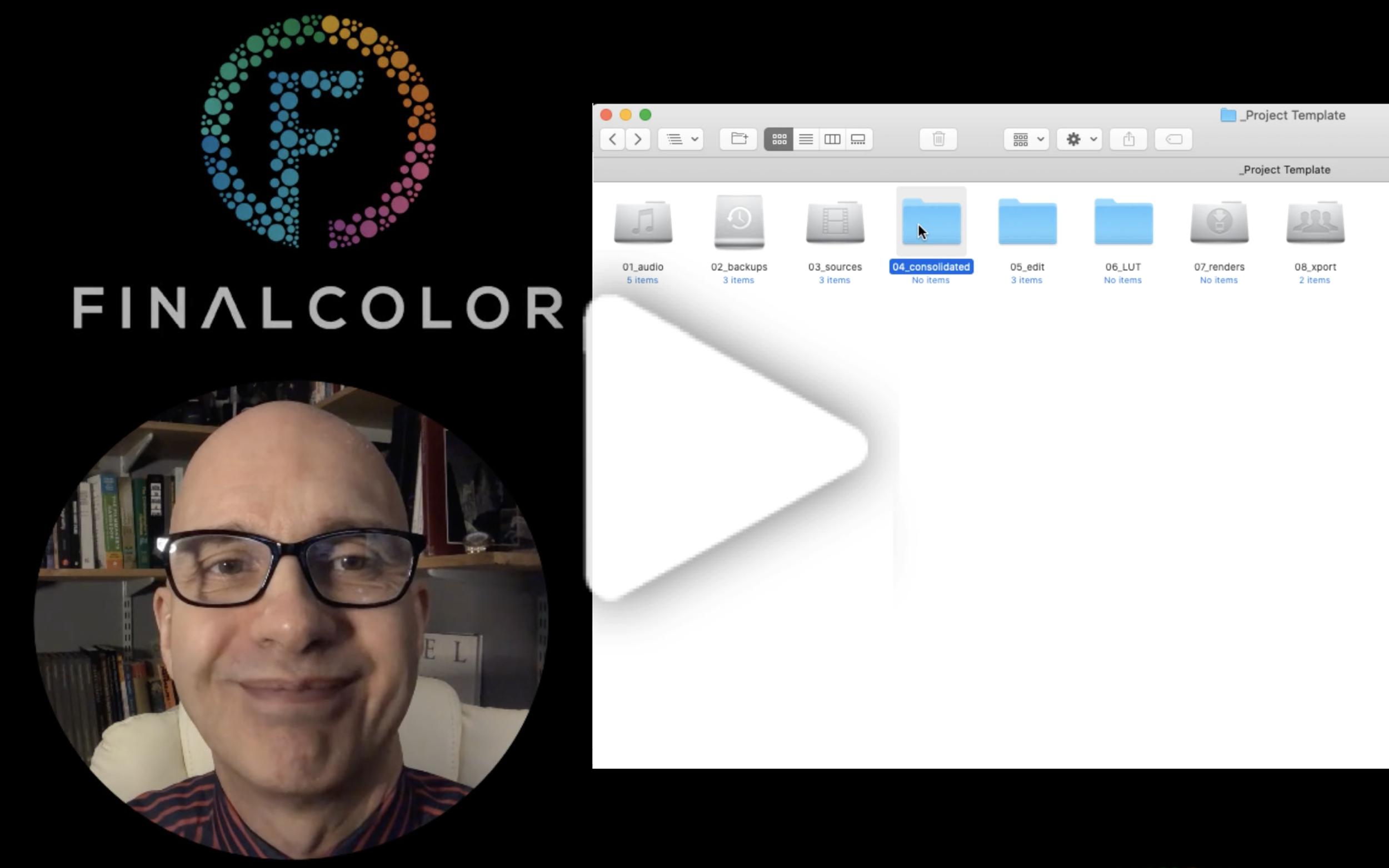
Free Project Folder Structure Template
Kevin Shaw gives a free template for structuring your folders for a color grading or post production project. This important file hygiene can save time and work.
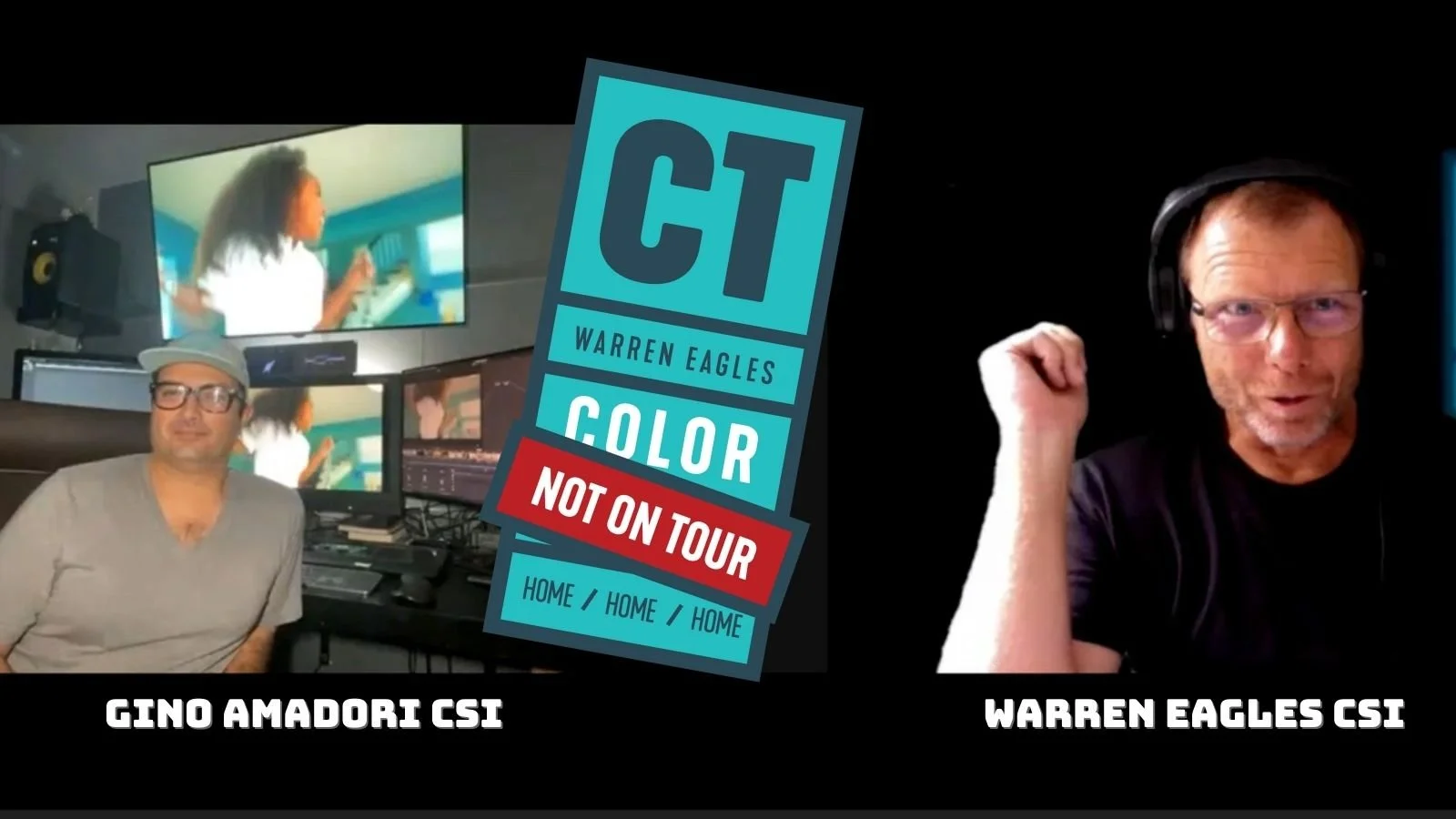
Podcast S3 EP04: Gino Amadori CSI, Lima, Peru.
Gino is one of the leading color graders in Peru. I first met Gino when he came to my iColorist NYC class in 2012. It was great catching up again for the CT Podcast.
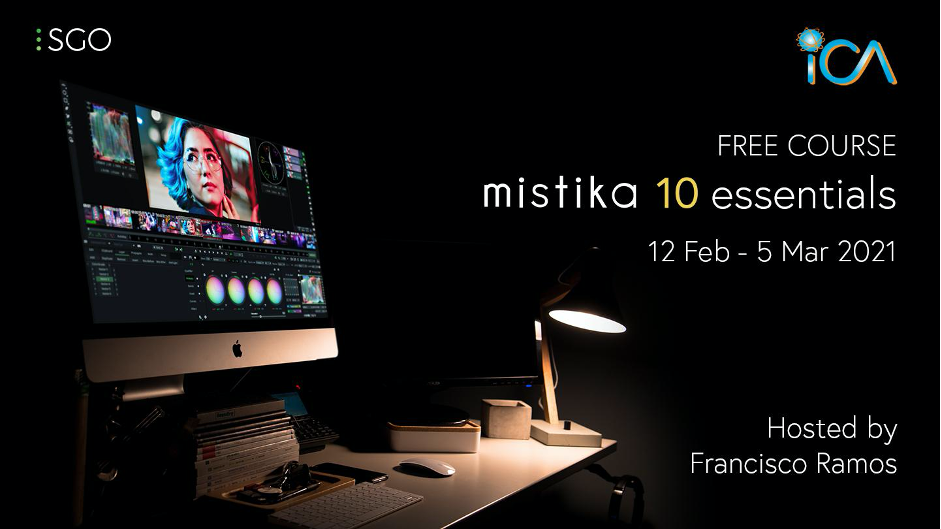
Free ICA course: Mistika Essentials
In these 4 free webinars, you'll learn all the fundamental features in Mistika and creatively explore Mistika's amazing toolset. This course is suited for Colorists, VFX artists or Post Production Generalists.
4-part on-demand webinar series - 'Demystifying Post Production: Shooting for the Grade'
The Color Team is back with the series 'Shooting for the Grade', investigating grading workflows for your camera gear and looking at key aspects of production.
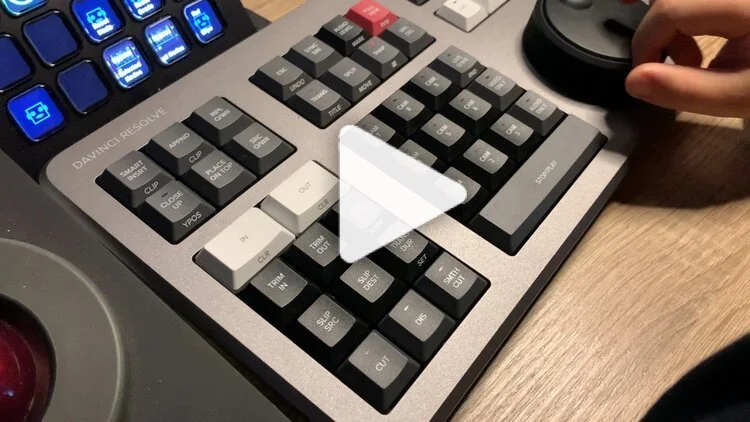
Unboxing The Blackmagic Design DaVinci Resolve Speed Editor
Kevin Shaw unboxes the DaVinci Resolve Speed Editor, installs it and shares his first impressions after a week of working with it. Is it great value? Find out.
Introduction to HDR
Do you really know what HDR is? This new on-demand course from fxphd, taught by Kevin Shaw, will help you master HDR, learn about HDR displays, and how to grade HDR content.
Vlog EP03: Taipei
In late 2019, Warren Eagles visited Taipei to run a series of classroom iColorist classes.“Taipei is an amazing city to visit and work in. I enjoyed working with both local and overseas colorists. Taipei is a mix of amazing food, street markets, one incredible tall building and amazing local beer.”
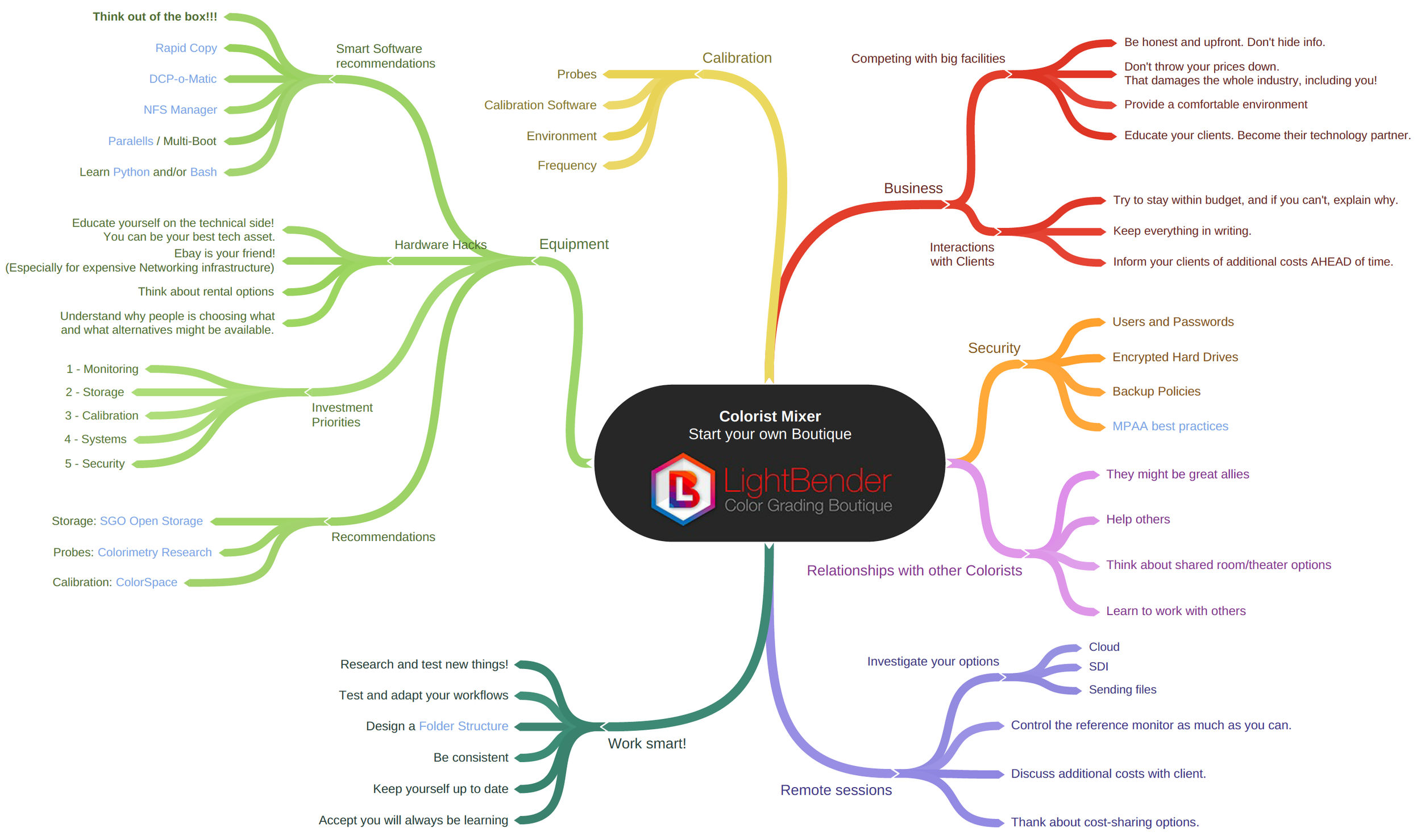
Blueprint: How to start a boutique post-house
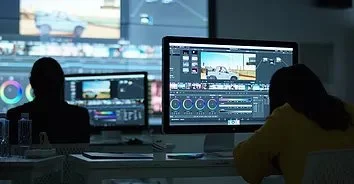
Monitor Calibration Checklist
A downloadable 17-step monitor calibration checklist from Professional Video Alliance for setting up your display for color grading, editing, or other post-production.
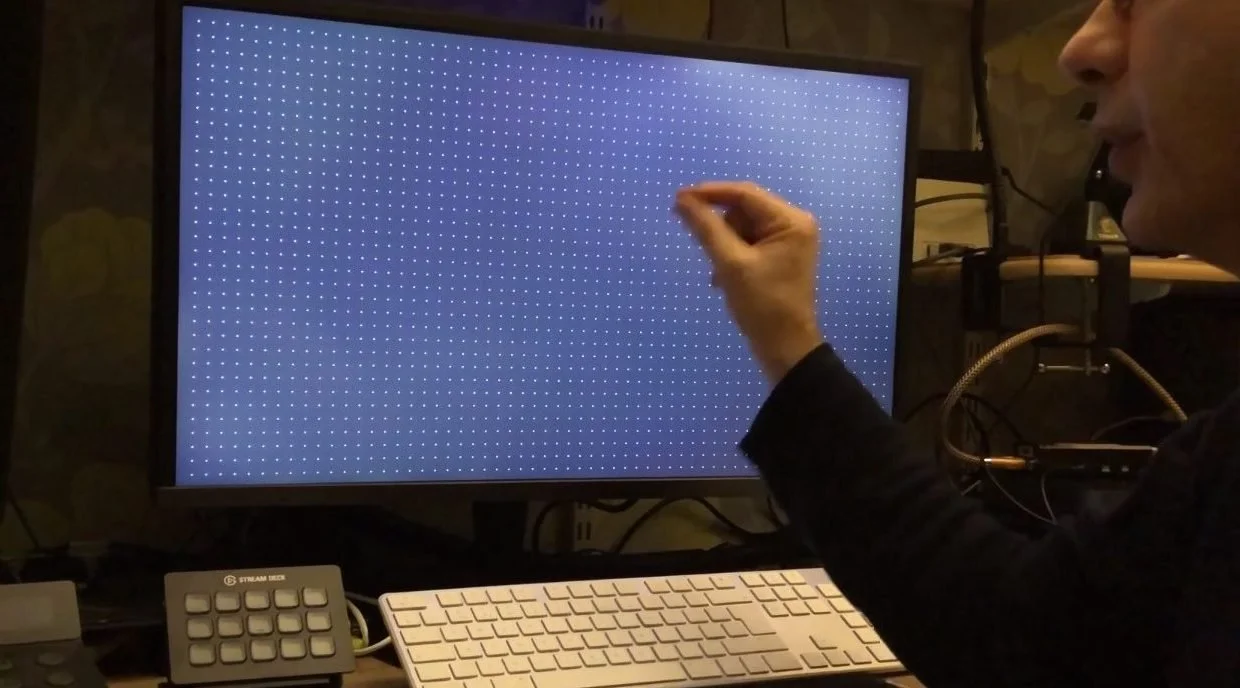
Unboxing the ASUS ProArt PA27UCX-K Monitor
In this video, Kevin Shaw unboxes and evaluates the ASUS ProArt PA27UCX-K monitor. Is it suitable for colorists and photographers? Is it an affordable HDR reference monitor?
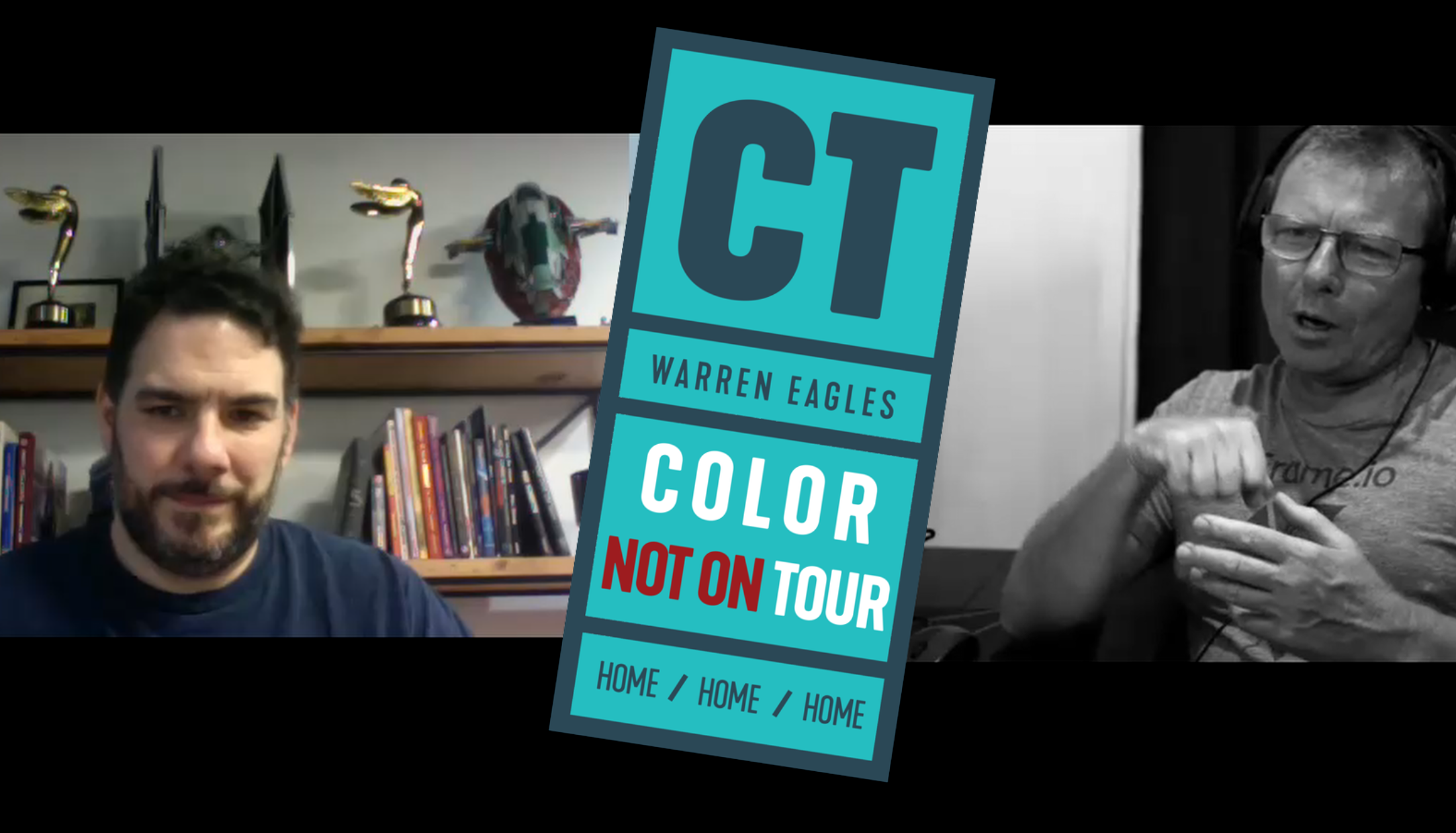
Podcast S3 EP03: Juan Cabrera, Santa Monica
Juan started his first company aged 17 in Madrid, Spain. He prepped for his first color grade by reading the Mistika manual on a 5 hour car drive from Madrid to Malaga. Once in Malaga he graded his first short film and his career as a colorist was launched.
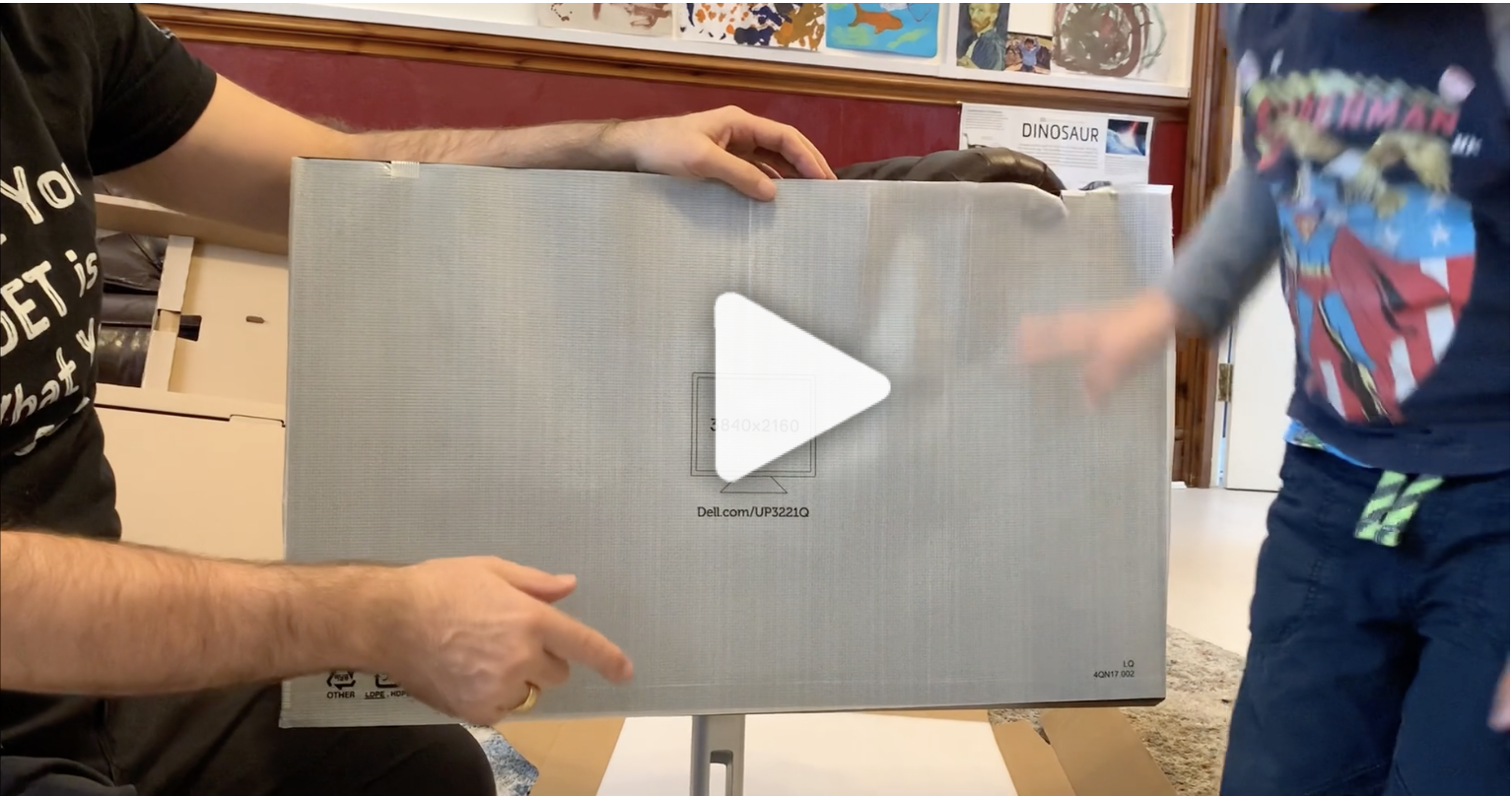
Unboxing the Dell UP3221Q UltraSharp HDR Monitor
Kevin Shaw gets a first look at the new 1000 nit affordable HDR monitor from Dell with the world’s first 2000-zone mini-LED backlight display. Watch for the unboxing, setting up and first impressions of the UltraSharp monitor, a great tool for anyone in production or post production.
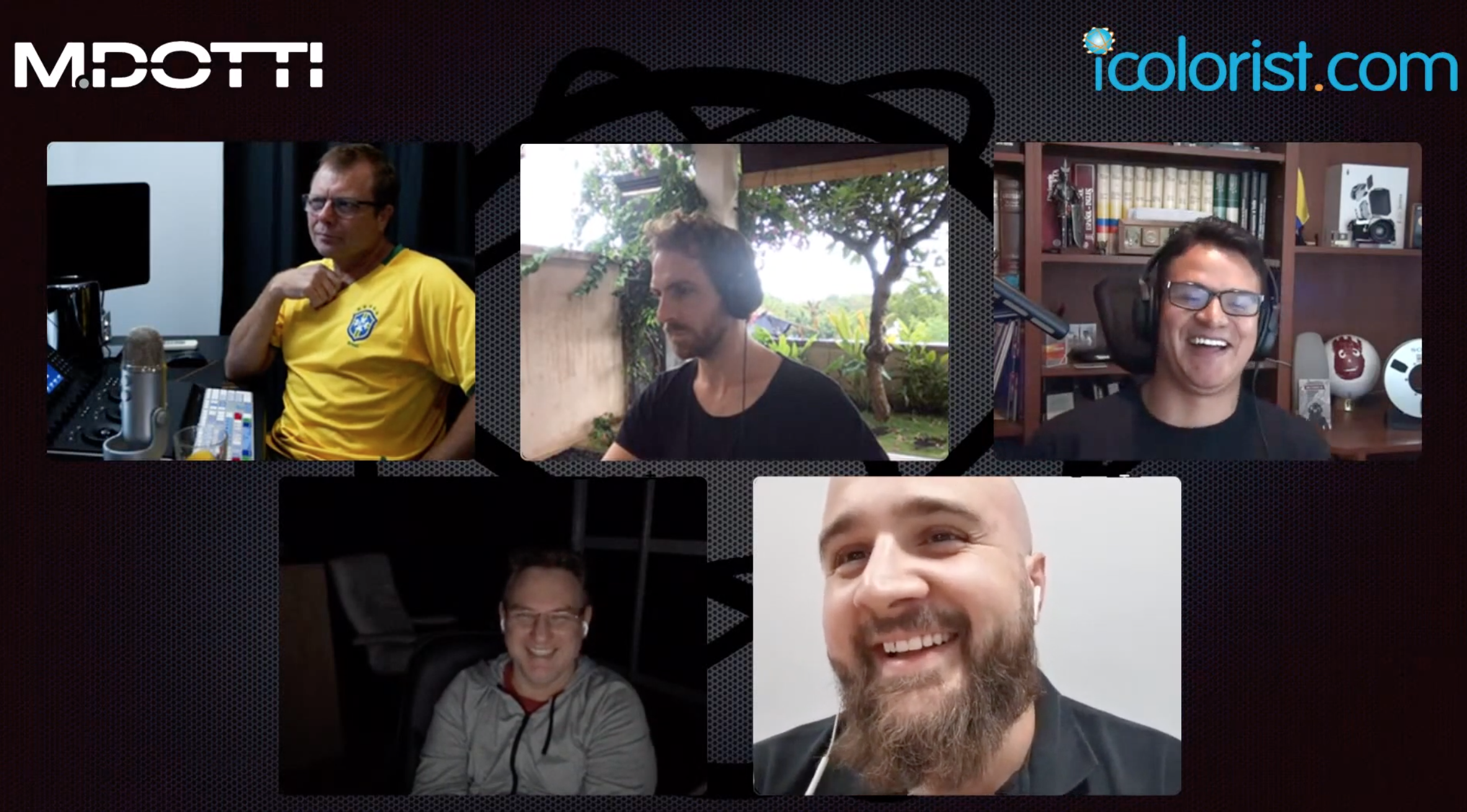
Brazilian Tips & Tricks Webinar
Tips tricks and great colorist chat in both Portuguese and English. A International Colorist Academy realizará um webinar gratuito em portugues no dia 30 de Outubro. Marque na sua agenda! (ou Guarde este dia!)
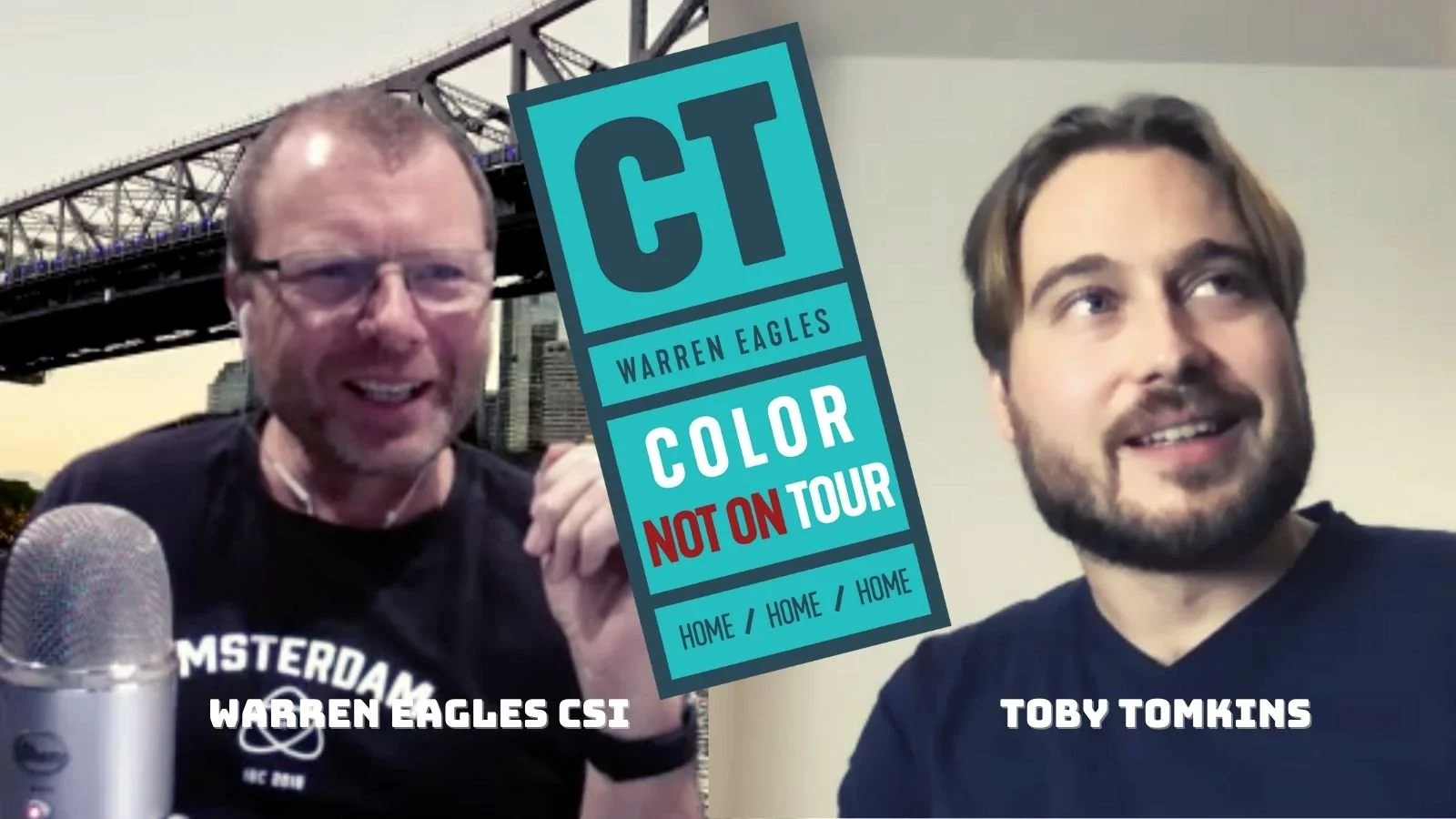
Podcast S3 EP02: Toby Tomkins, London
I visited Toby at CHEAT in 2018. It is a fantastic facility situated in Hackney East London, very close to where I went to school. We checked out his facility and then went to his local pub for a pie and a pint
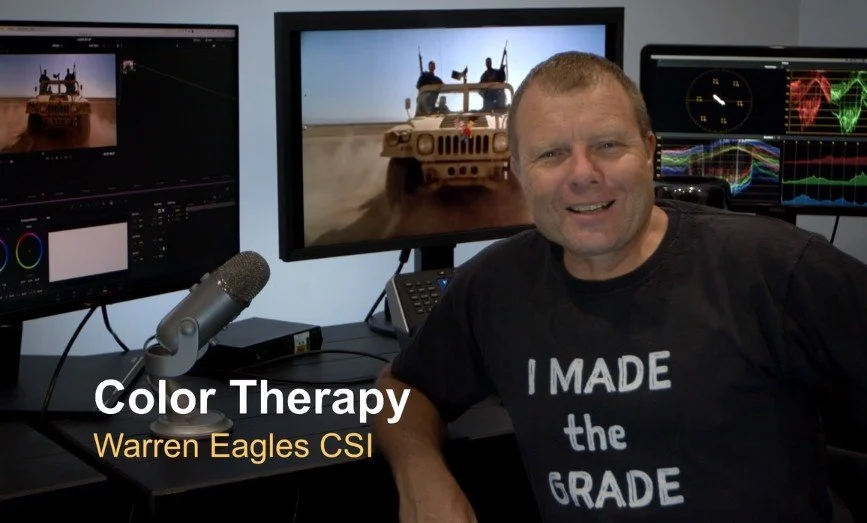
CT202 Color Therapy
Color grading instructor Warren Eagles talks about his new CT202 Color Therapy class, which focuses on the client and business side of the business.
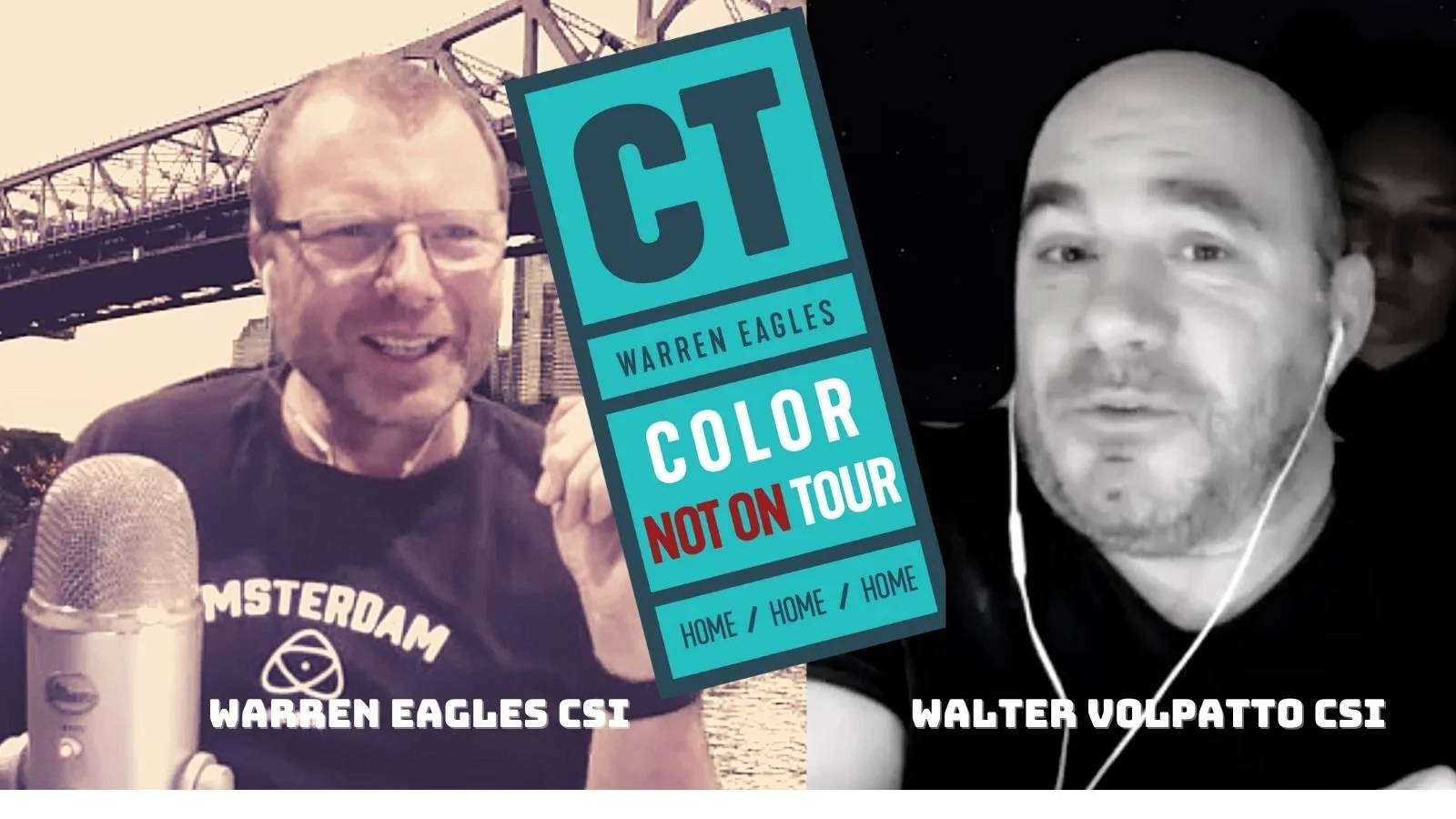
Podcast Episode S3 EP01: Walter Volpatto, Hollywood
Walter is one of the world's leading Color graders. He has coloured over 100 features including Green Book, Star Wars The Last Jedi, and Dunkirk. Walter is currently working for Company 3.
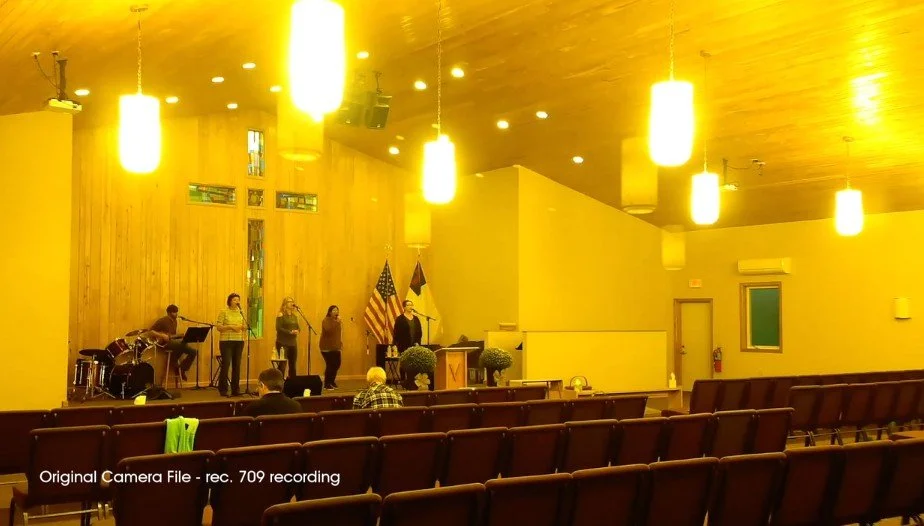
Fluorescent Lighting Fixes with DaVinci Resolve
Kevin Shaw shows three ways to fix fluorescent light problems that simple primary color tools cannot correct using DaVinci Resolve.
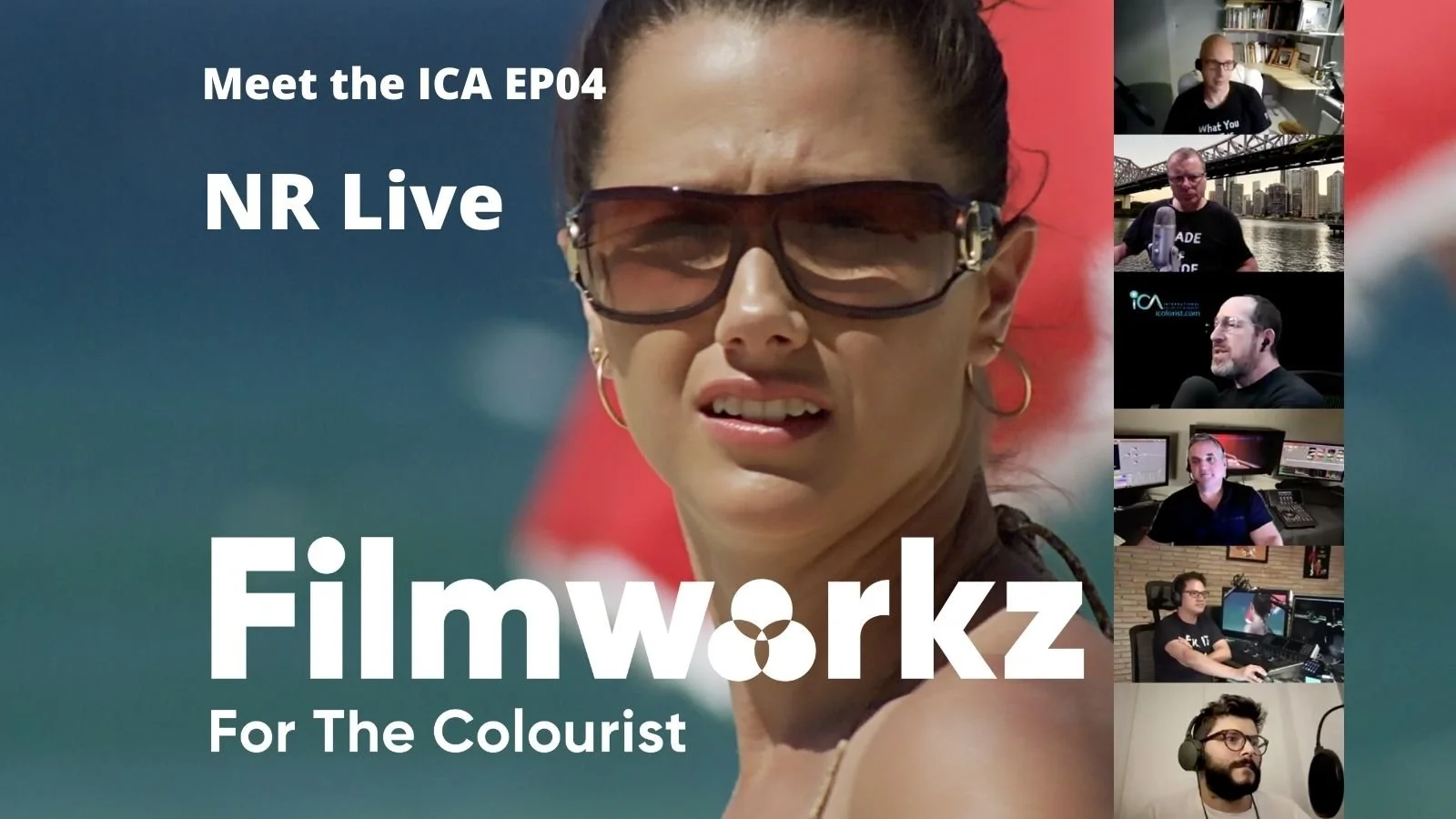
Meet the ICA EP04: Noise Reduction Live
Sponsored by Filmworkz the ICA team discuss and evaluate some of the most popular NR solutions on the market. The ICA team take a different software each and evaluate the tools for performance, speed and cost
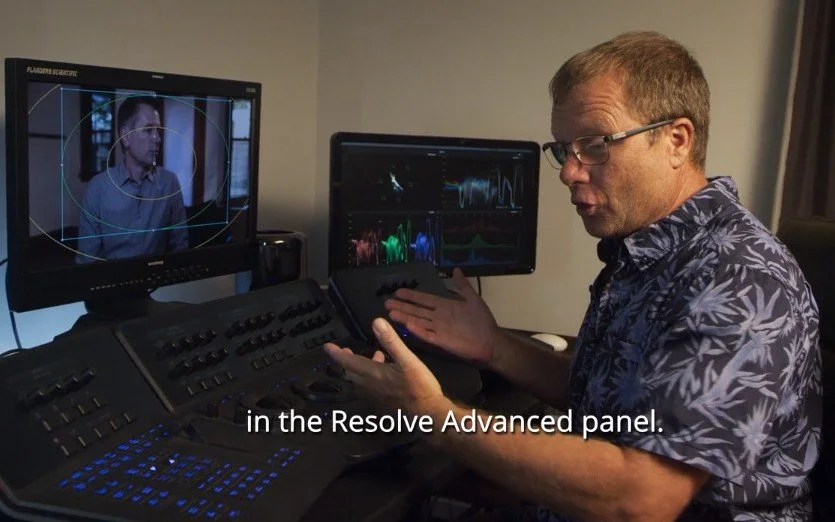
DaVinci Resolve: Advanced Panel "Secret" Copy Tip
New in version Resolve 16.1: Copy and Paste a Node using the two mystery buttons below the Lift Track Ball.
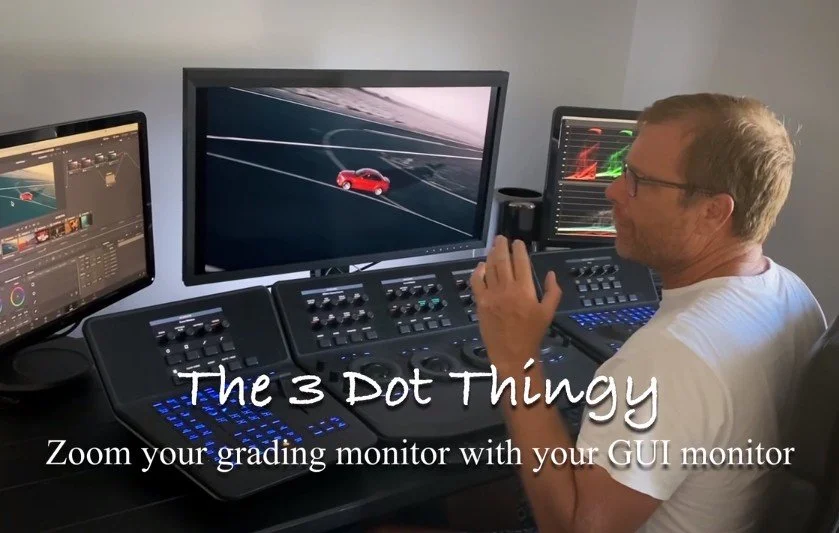
DaVinci Resolve: Zoom your grading monitor by adjusting your GUI
How to use the three dot options palate to gang your grading monitor with your GUI. This is great for fine keying and rotoscope work.