If you are making videos for YouTube, Instagram or TikTok then Color Correction is probably the last thing you think about. The story, filming, editing and sound normally come first. Same happens for me when I’m shooting for my Grey Golf channel. I am so glad to get everything finished and ready for upload, I often overlook the coloring….and I’m a colorist!
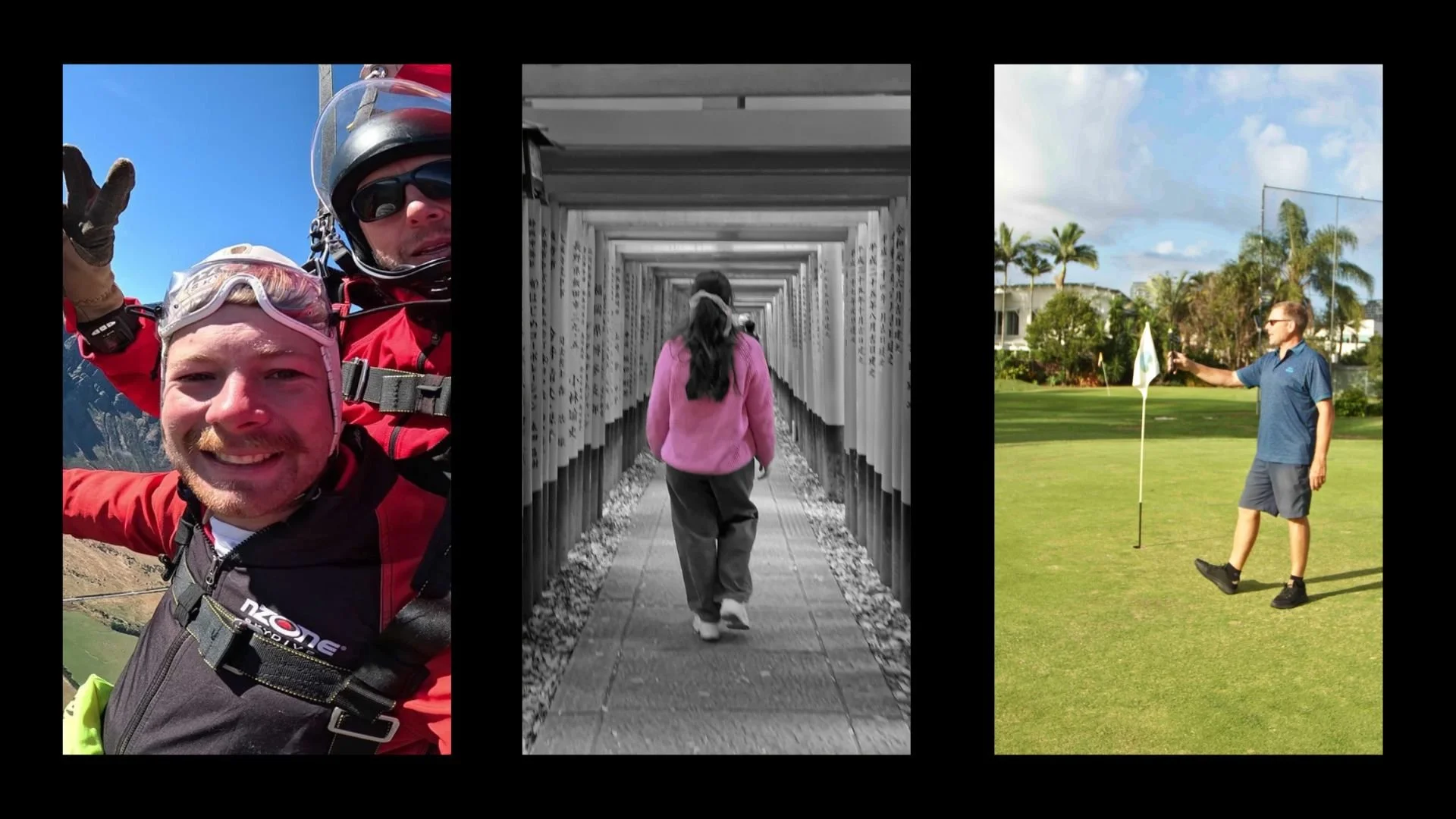
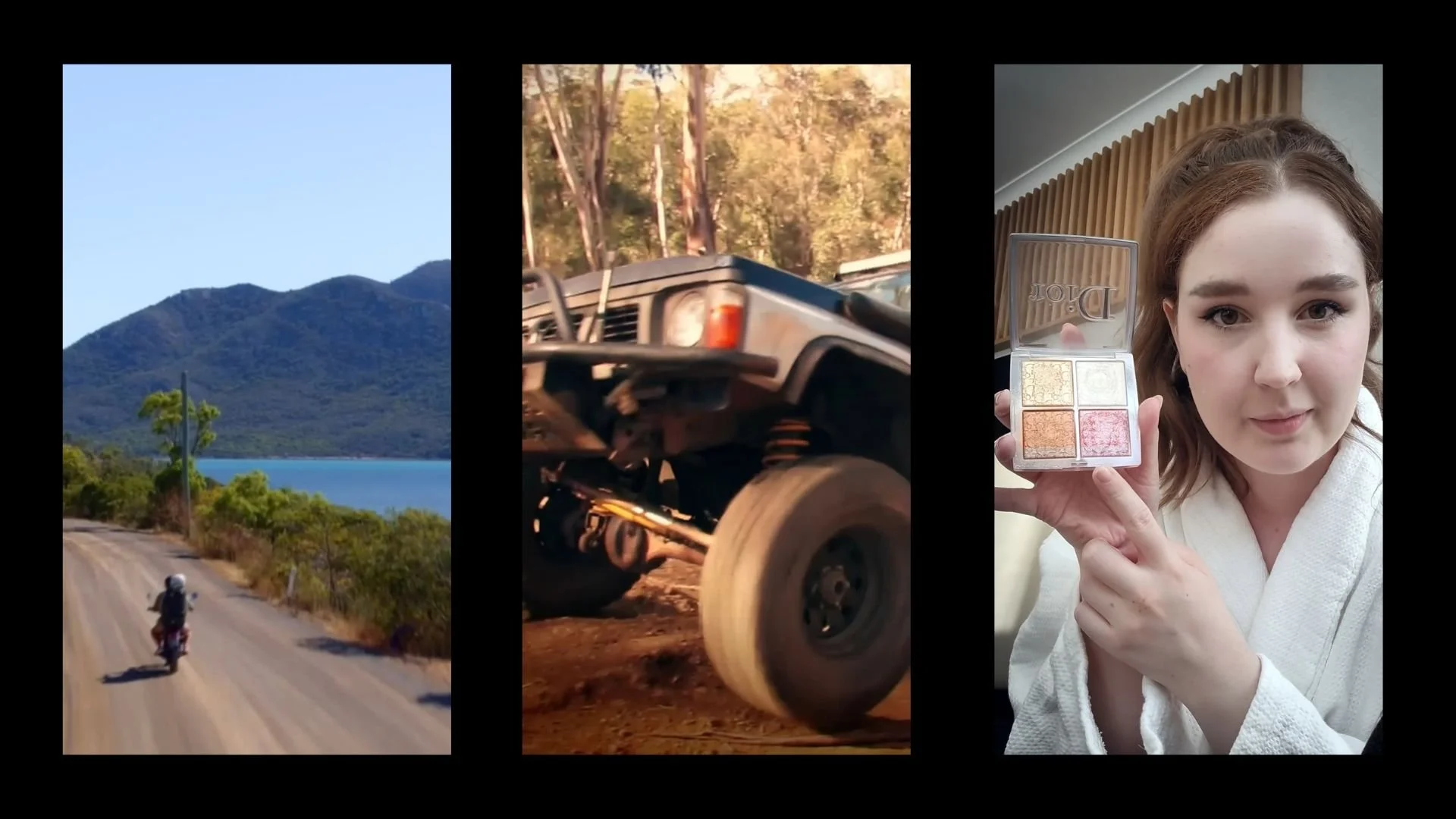
A nicely balanced film is the priority and this isn’t easy when using 2 cameras or stock footage. A ‘look’ for your film comes second but remember it only adds value if it helps tell the story or message you are trying to convey. Too often we are obsessed with trying to come up with a cool funky look, which may be fine, but if over done or doesn’t match it will turn viewers away from you channel. Viewers know when something doesn’t look right.
DaVinci Resolve is free software from Blackmagic Design. It is a Swiss army knife for Content Creators, is easy to use, but at the same time has some fantastic advanced tools that make our jobs easier. So you get the software for free but how do you get comfortable using it?
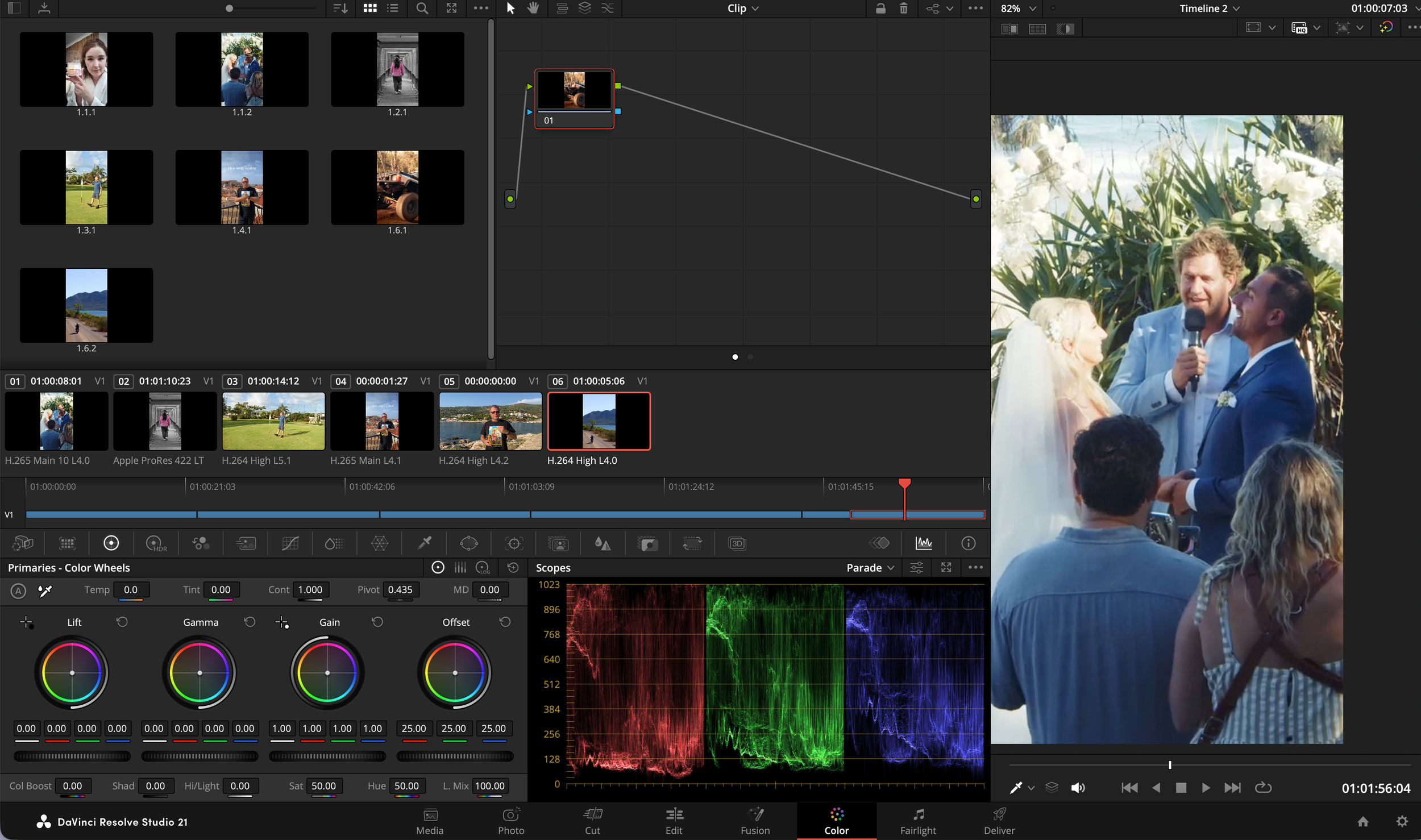
My Resolve Color Bootcamp from fxphd is:
1. 50 dovetailed lessons that includes the class media. So you work at your own speed from 1-50 or jump to the chaptered section that you want to learn.
2. Challenge sequences that you can color then upload for me to critique.
3. Scratch FX film and video garbage ProRes clips that can be used with your footage.